Primary sources
Original research, data, official reports.
Sources → theme clusters, claim/evidence table, and a clean outline with citations. Popular workflow for students and professionals.
Popular use case. ← Back to all use cases
A research-ready outline that transforms your source tabs into organized themes, a claim/evidence table with citations, and a structured outline ready for writing.
What to open, what you'll get:
Original research, data, official reports.
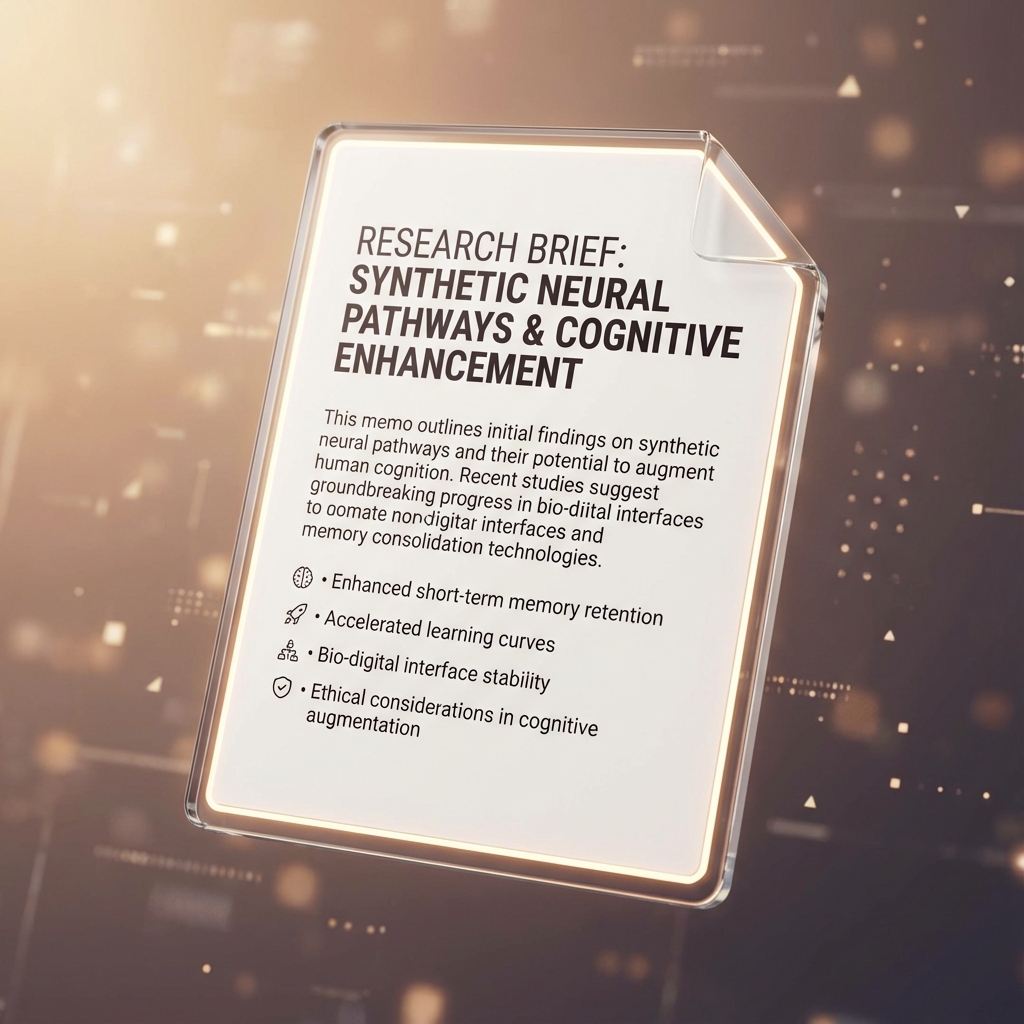
Reviews, analyses, expert commentary.

Type, credibility, key takeaway per source.
Claims grouped by topic/argument.
Claim, evidence, confidence, citation.
Section headers ready for writing.
Run this prompt with your tabs open in GenTabs/Disco or paste into any LLM with your sources.
You are GenTabs. Use ONLY the open tabs as sources.

GOAL: Create a research outline for [YOUR TOPIC].

OUTPUT:
1) Source Map
   | Source | Type | Credibility | Key Takeaway | Link |
   - Primary vs secondary
   - Note potential bias

2) Theme Clusters
   - Group related claims under 3–5 themes
   - Note which sources support each theme

3) Claim/Evidence Table
   | Claim | Evidence | Counter-evidence | Confidence | Citation |
   - High/Med/Low confidence
   - Flag claims with single sources

4) Outline
   I. Introduction
      - Hook
      - Thesis statement
   II. [Theme 1]
      - Key claims with citations
   III. [Theme 2]
      - Key claims with citations
   IV. Counterarguments
   V. Conclusion
      - Summary
      - Open questions

5) Research Gaps
   - What's missing from your sources?
   - Suggested searches to fill gaps

RULES:
- Every claim must cite a source
- Show disagreements between sources
- Mark uncertain claims as [uncertain]
Follow-ups to try:
1. Identify missing perspectives (what voice is absent?)
2. Generate thesis + counterarguments
3. Draft intro paragraph with citations
4. Build glossary of key terms
5. Create annotated bibliography
6–12 sources is a good range. Fewer risks missing perspectives; more can make outputs generic.
Yes. Add your citation style requirement (APA, MLA, Chicago) to the prompt for proper formatting.
The prompt asks for counter-evidence. Use follow-up: "Explain why sources disagree on [claim]."
Copy the prompt into ChatGPT/Claude/Gemini and paste your source content or links.
More ways to use GenTabs for in-depth analysis.
Open your research tabs, copy the Master Prompt, and build your outline.