
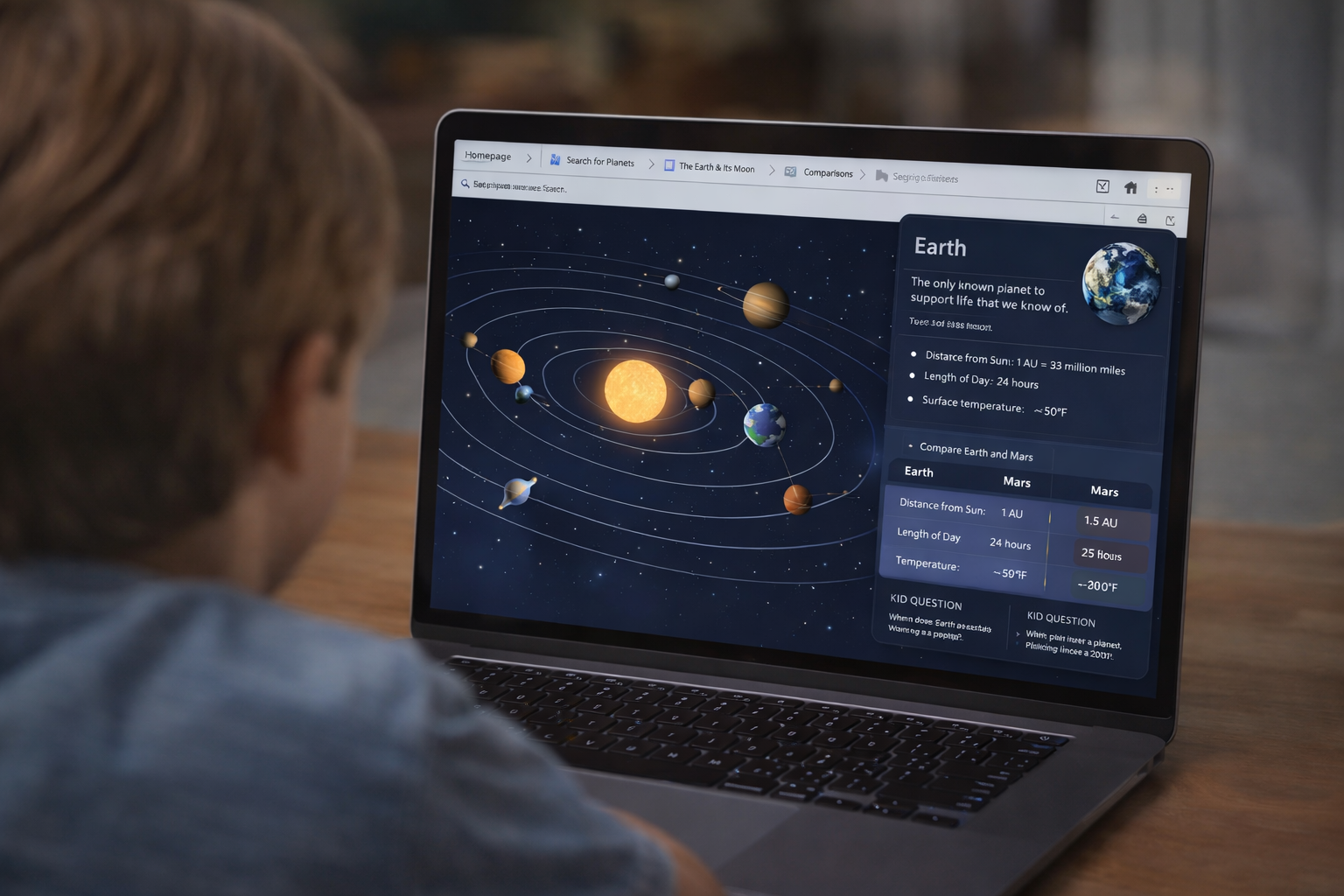
Explore the solar system
Turn science tabs into an interactive planet explorer with clear explanations and comparisons.
GenTabs is a Google Labs concept in the Disco Browser preview that turns open tabs into goal-driven, interactive outcomes. Gentabs AI is an independent hub with explainers, use cases, and copy-paste prompt packs—plus a Disco-inspired LLM prototype (in progress).
GenTabs takes your open tabs + your goal and generates a structured, usable outcome—often as an interactive "mini-app" experience—rather than a generic summary.
If tab groups help you organize links and summaries help you read faster, GenTabs-style workflows help you finish the task: a plan, a comparison, a brief, a checklist, or a decision memo.
Most of us browse the web like this:
GenTabs flips that pattern. Instead of leaving your work as a pile of tabs, it aims to transform that pile into a goal-driven artifact you can actually use—like:
The critical idea is outcome > summary.
1) Tabs = your "source set"
Treat your open tabs as a small dataset. A great source set usually includes: primary sources (official docs, original posts, specs), independent perspectives (reviews, critiques, comparisons), and practical pages (maps, product pages, pricing pages).
2) Goal = the output you want
A strong goal is specific enough that a structured artifact is obvious. Bad goal: "summarize these tabs." Good goals: "Create a 3-day itinerary with a realistic schedule and backup options." or "Compare three tools and recommend one for a small team, including tradeoffs."
3) Structure = how you force usefulness
GenTabs-style outputs get dramatically better when you specify format (claim-evidence, feature matrix), sections (exec summary, risks, recommendation), and checklists (next actions, owners, timeline). Structure is the simplest quality lever you have.

Video source: YouTube (Google Labs).
Transform your open tabs into goal-driven, actionable outcomes:
Turn science tabs into an interactive planet explorer with clear explanations and comparisons.
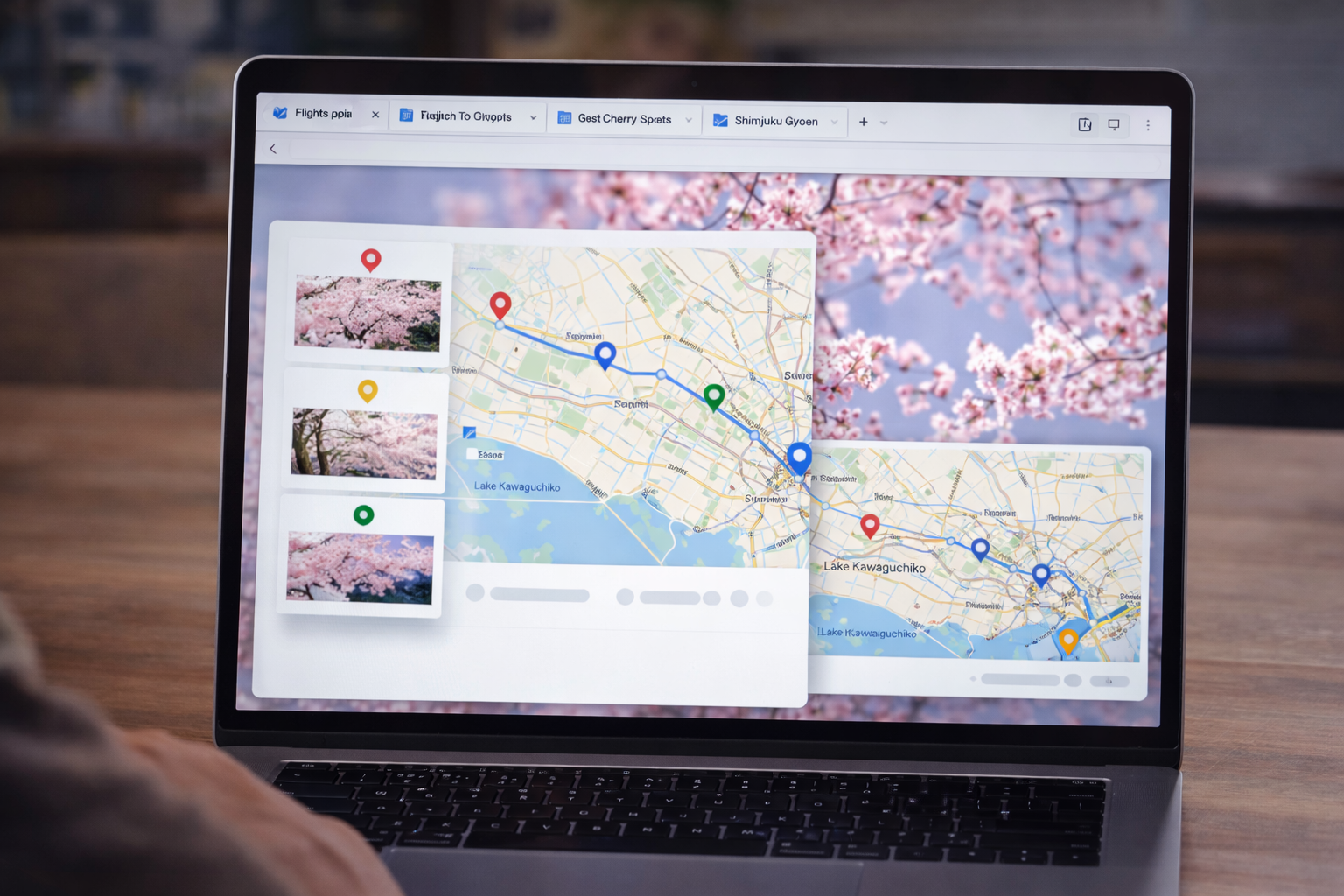
Flights + hotels + maps → a trip dashboard with itinerary, places, and next actions.
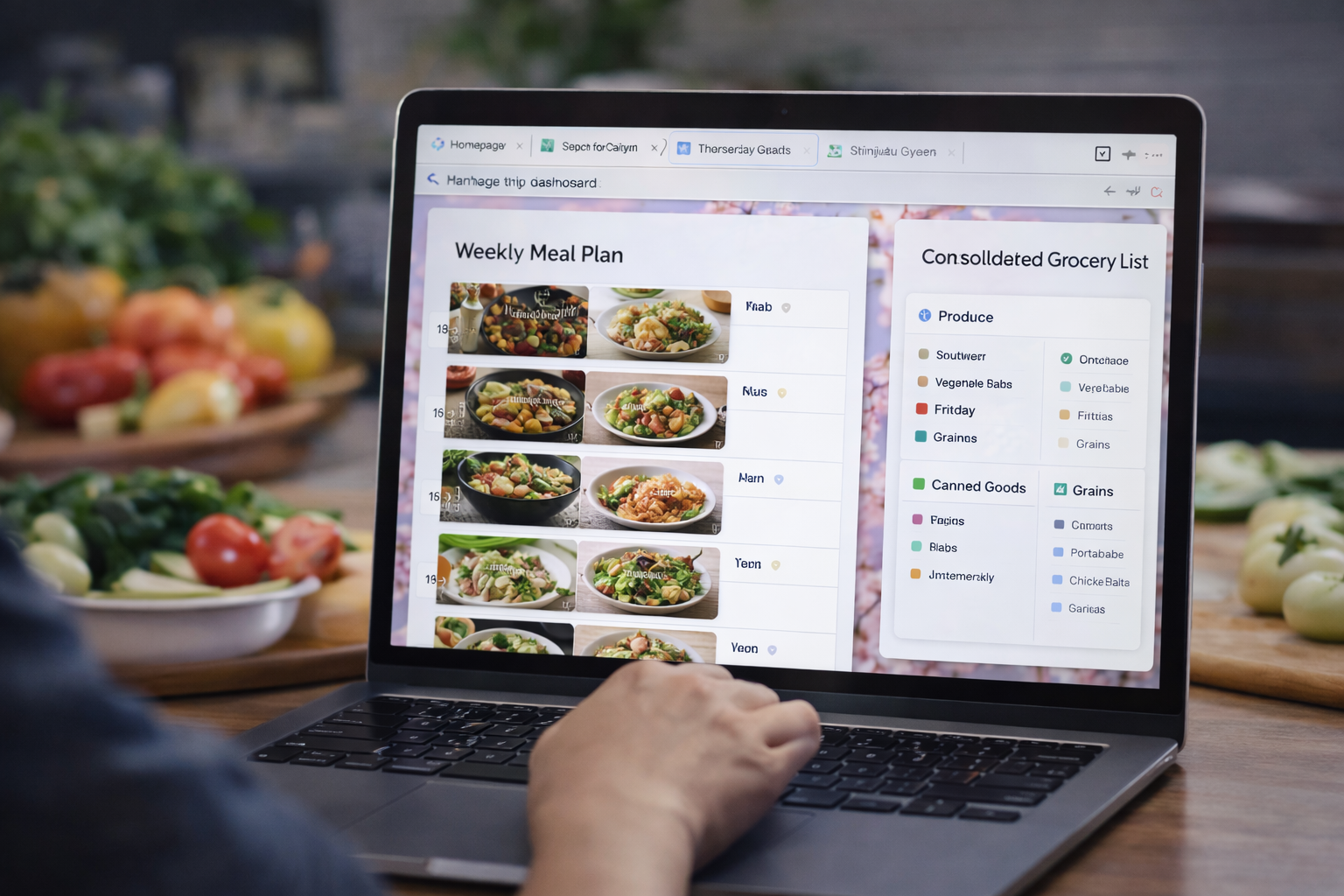
Recipe tabs → a weekly meal plan with swaps and a consolidated grocery list.

Plant guides → a simple layout, care schedule, and shopping checklist.
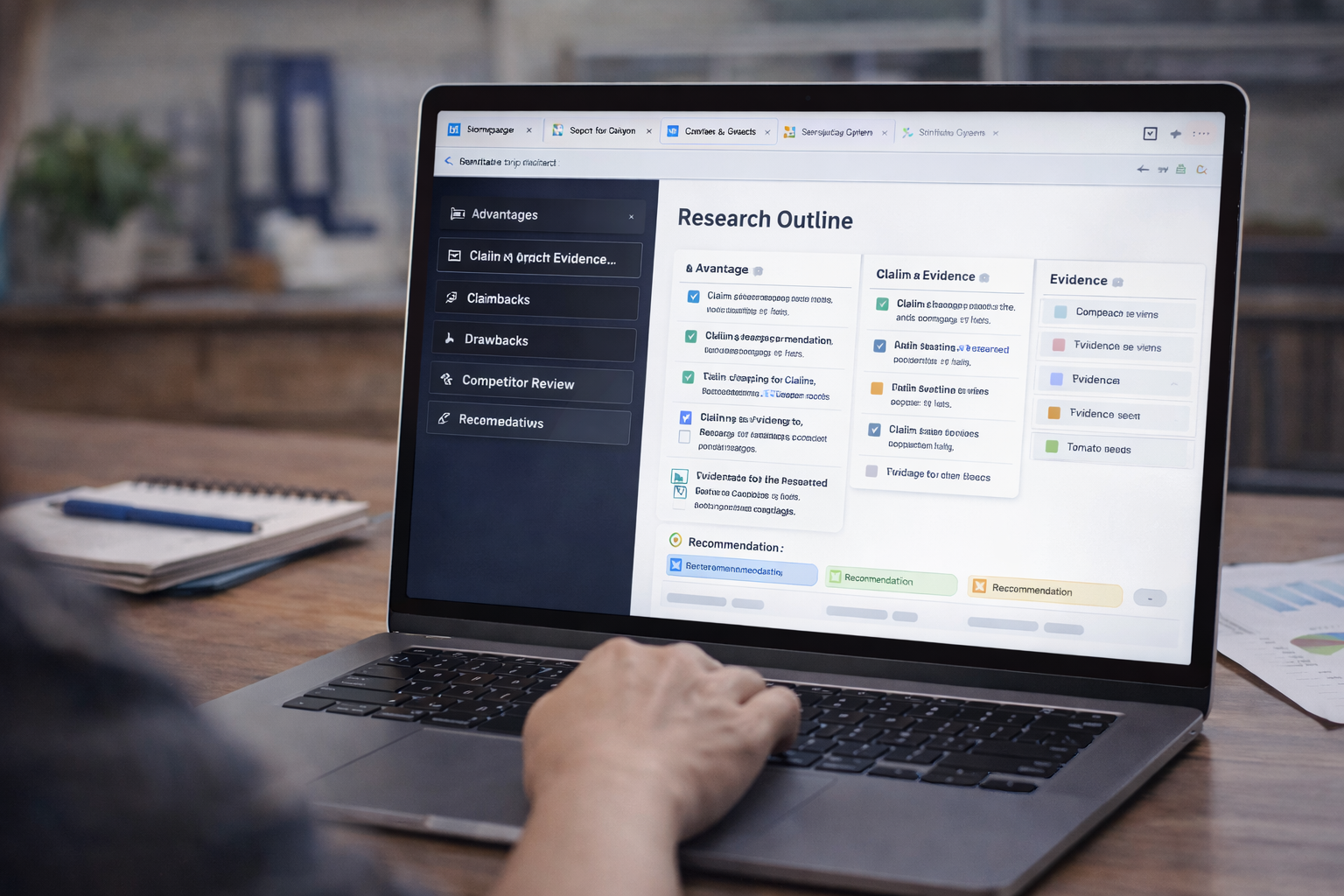
Sources → themed clusters, claim-evidence table, and a clean outline in minutes.
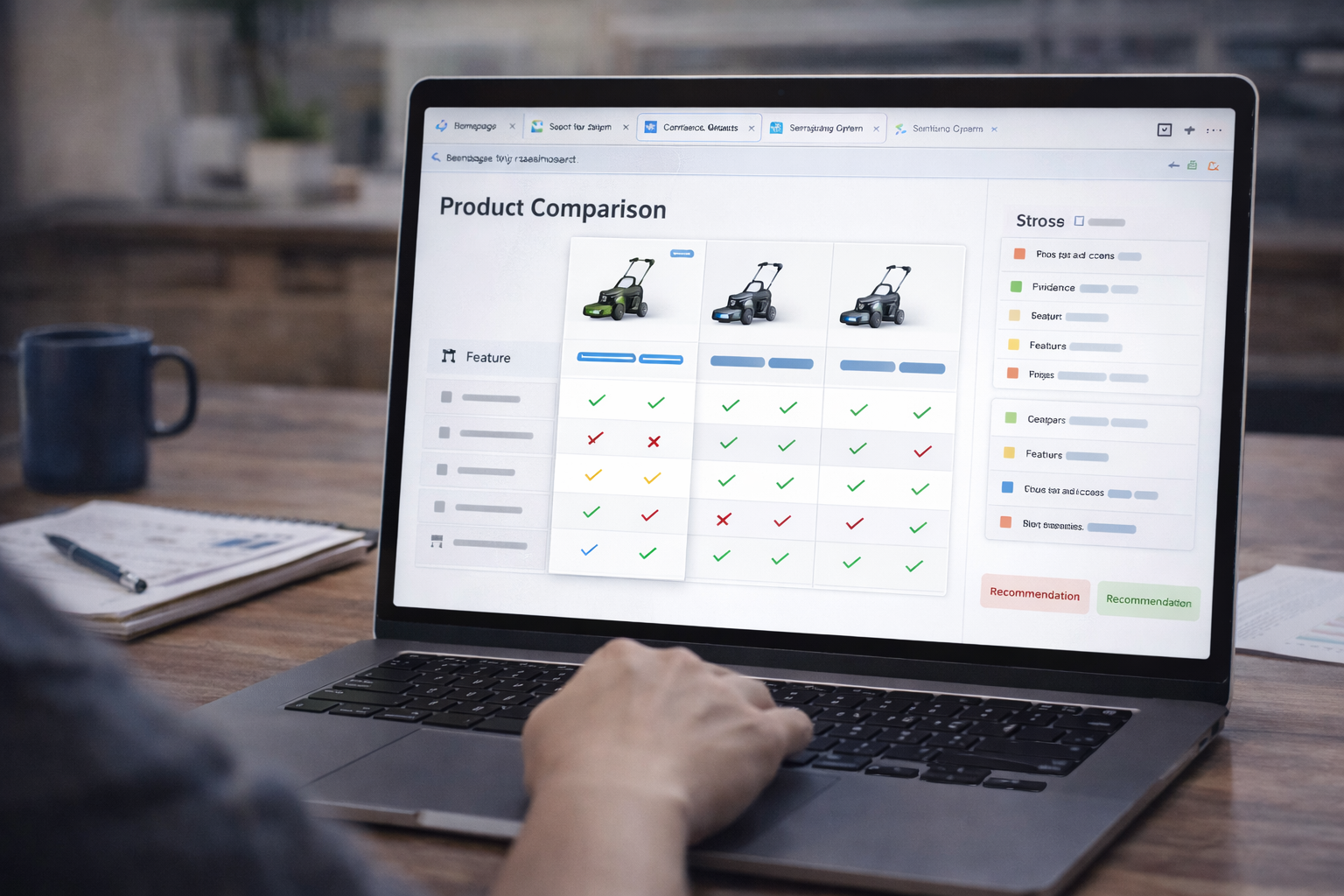
Review tabs → feature matrix, shortlist, and recommendation with tradeoffs.
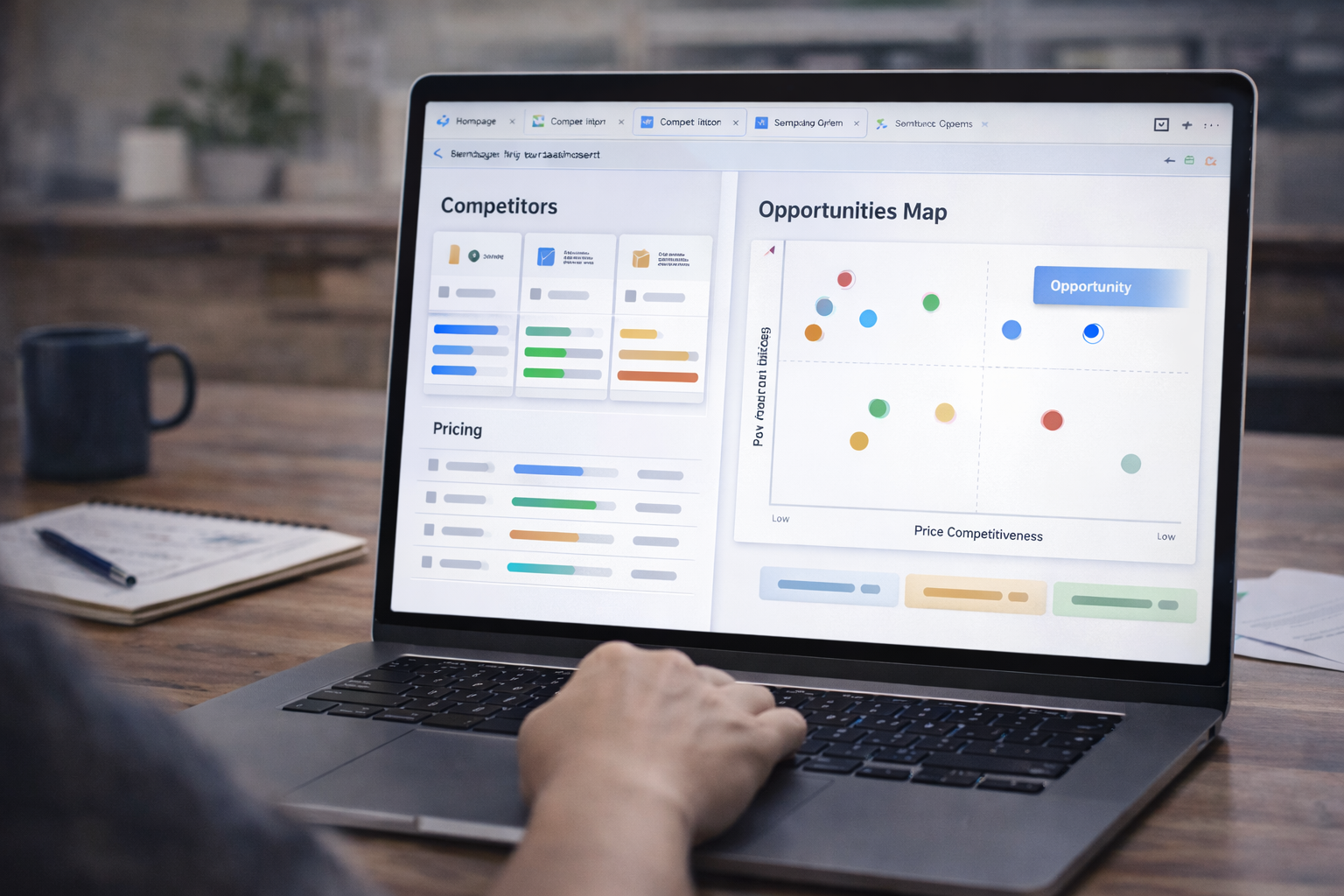
Competitor tabs → pricing, positioning, gaps, and opportunity map.
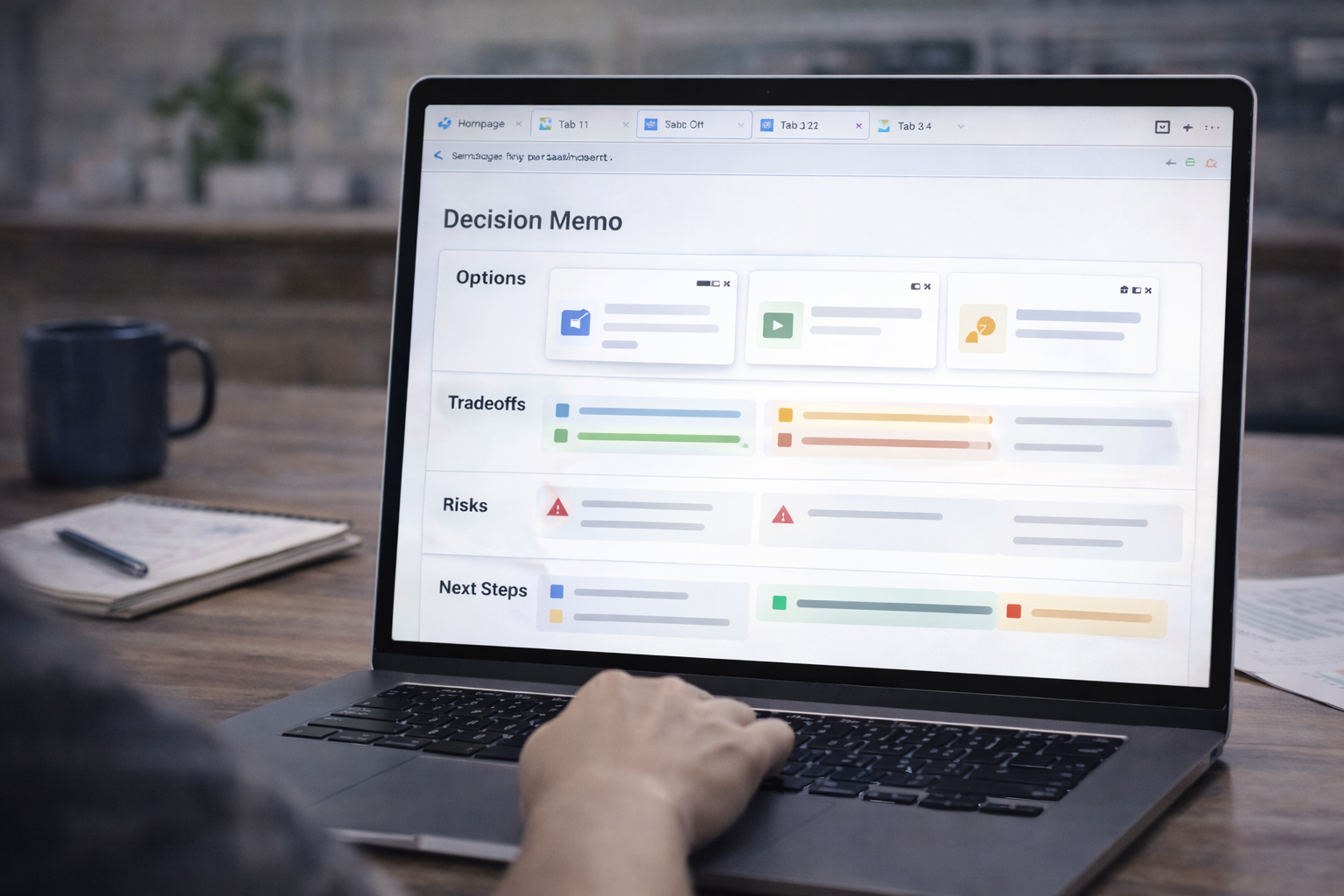
Messy tabs → decision-ready memo: options, risks, next steps, and open questions.
GenTabs-style workflows shine when you treat them as repeatable recipes. These practices reliably improve quality and reduce hallucinations.
Have more questions? Check out our full FAQ page.
No. Gentabs AI is an independent community resource and is not affiliated with or endorsed by Google.
GenTabs is a Google Labs concept in the Disco Browser preview that turns open tabs into goal-driven, structured outcomes—often presented as an interactive mini-app experience.
Availability may be limited and can change over time since it's part of a preview/Google Labs experience.
Typically yes for Google Labs experiences. Gentabs AI itself does not require an account to browse guides and prompt packs.
Yes. You can paste them into ChatGPT/Claude/Gemini or any LLM tool and provide sources manually (links or excerpts).
Require citations for key claims, force a structured output (tables/sections), and explicitly call out uncertainties and source disagreements.
Browse prompt packs, explore official + expanded use cases, or follow the Disco-inspired build (in progress).