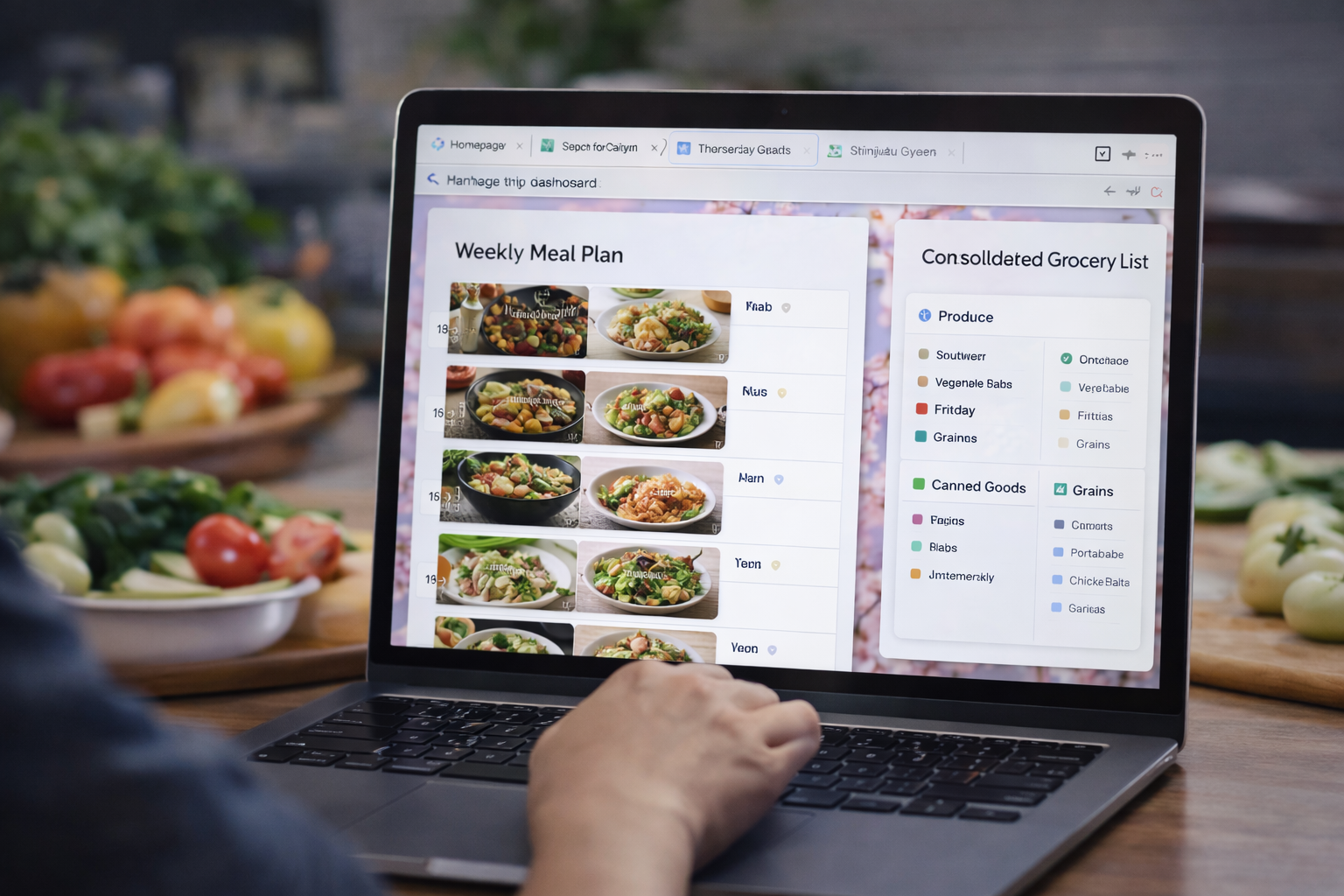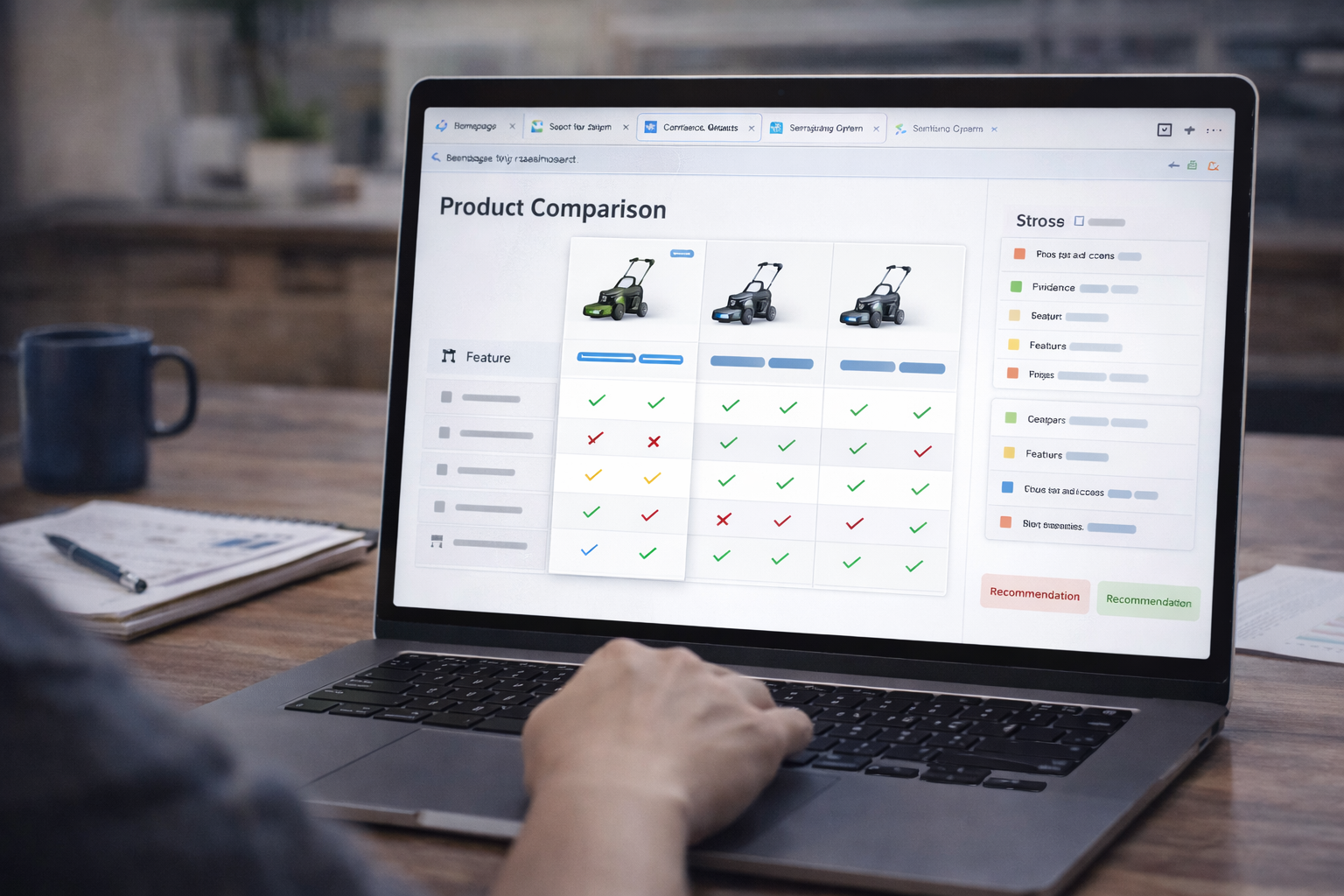
Flight options
2–3 options with prices and times.
Flights + hotels + maps → itinerary dashboard with day-by-day schedule, budget breakdown, and booking checklist. Official Google Disco favorite.
Official GenTabs use case. ← Back to all use cases
A trip dashboard that consolidates your flight options, hotel choices, attractions, and logistics into a day-by-day itinerary with budget tracking and a booking action list.
What to open, what you'll get:
2–3 options with prices and times.
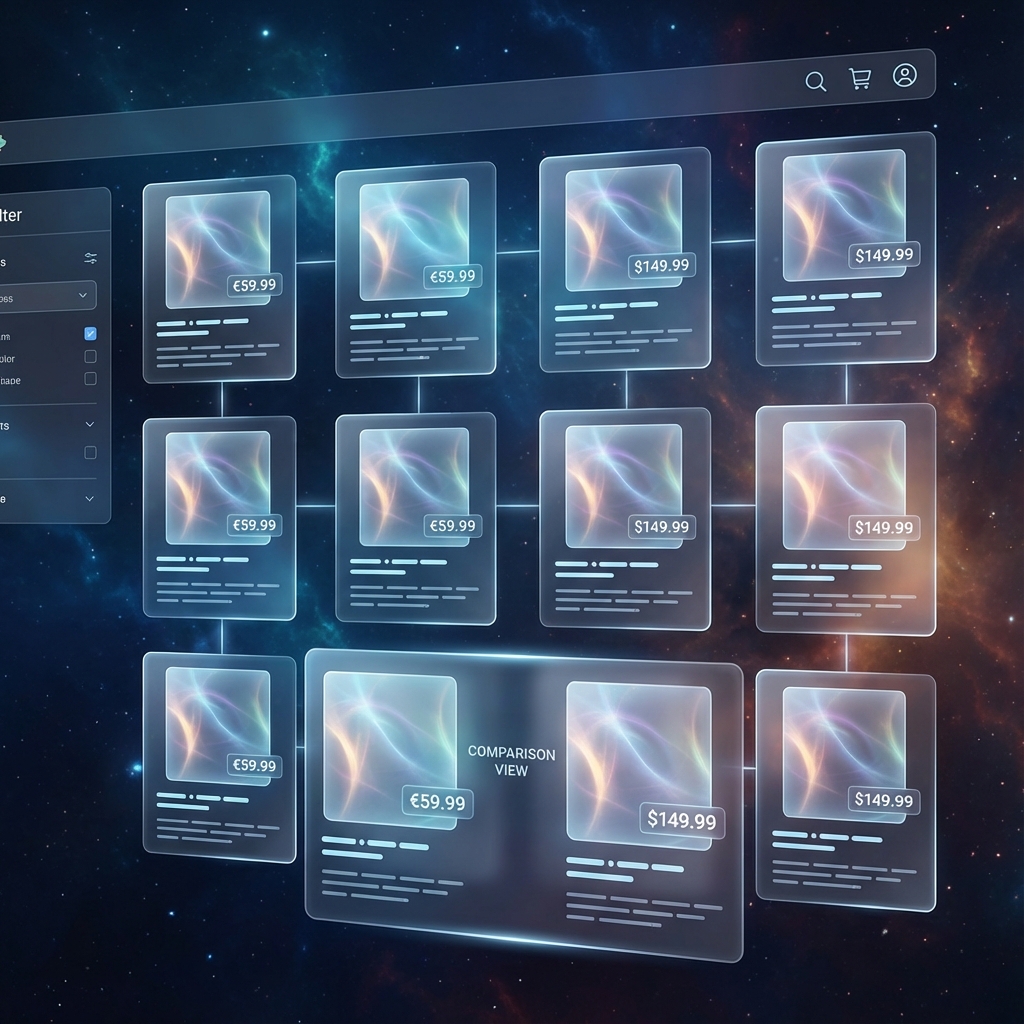
Different areas and price points.

Things to do, with hours and prices.

Schedule with times, locations, travel between.
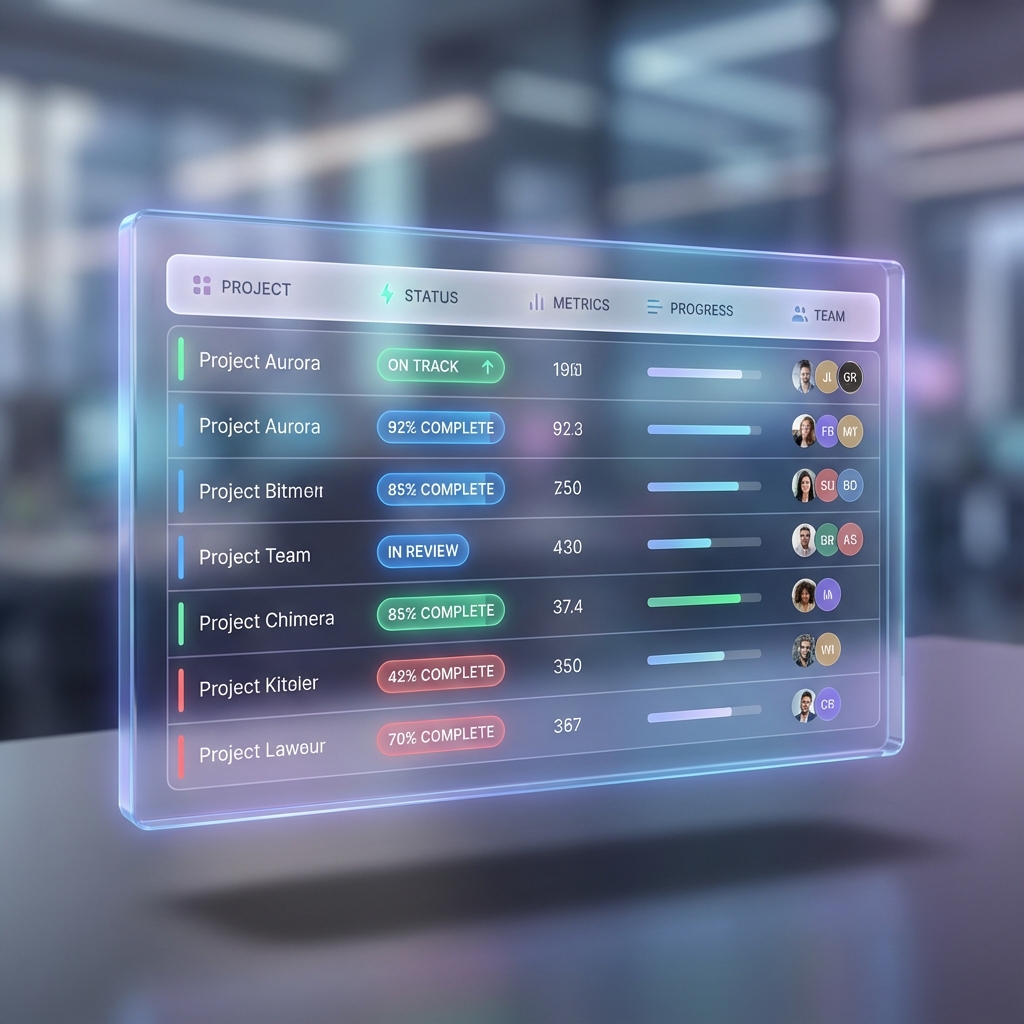
Total cost with line items.
What to book, when, with links.
Run this prompt with your tabs open in GenTabs/Disco or paste into any LLM with your sources.
You are GenTabs. Use ONLY the open tabs as sources.

GOAL: Create a complete trip plan for [DESTINATION] from [DATES].

OUTPUT:
1) Day-by-Day Itinerary
   - Morning / Afternoon / Evening activities
   - Travel time between locations
   - Meal suggestions near activities

2) Budget Table
   Columns: Category | Item | Cost | Notes | Source
   Include: Flights, Hotels, Activities, Food estimate, Transport
   Total at bottom

3) Booking Checklist
   - What to book NOW (flights, hotels)
   - What to book 1 week before
   - What to book on arrival
   - Include booking links from tabs

4) Map Points
   - List of places for Google Maps
   - Format: Name | Address | Day/Time

5) Backup Plans
   - Rain day alternatives
   - If attraction is closed
   - Budget overflow options

RULES:
- Cite prices and times from source tabs
- Flag anything that needs confirmation
- Include realistic travel times
Follow-ups to try:
1. Add budget constraint (e.g., "under $2000 total")
2. Create rain day alternative plan
3. Generate restaurant shortlist from tabs
4. Add safety/visa checklist
5. Create packing list based on activities
Google Maps, TripAdvisor, or official tourism board map pages. Direct links to specific locations are most helpful.
Yes. Just include tabs for all cities. In the prompt, ask to "group logically by city."
Ask the AI to "convert all prices to [Your Currency] using today's approximate rate."
Copy the prompt into ChatGPT/Claude/Gemini and paste your source content or links.
More ways to use GenTabs for your household and hobbies.
Open your travel tabs, copy the Master Prompt, and build your trip dashboard.